
September 30, 2026
Switching from Lightspeed to BIKE.co without losing the winter
A practical switching plan for bike shops moving service off Lightspeed to BIKE.co, with a week by week timeline, what to migrate, and what to leave alone.
By Timothy Carter

Winter is when most shops decide they are done with the software they use the rest of the year. The queue thins out, the mechanics have a Tuesday afternoon free, and the frustrations that were survivable in July are suddenly worth fixing. For a lot of independents, the software in question is Lightspeed: Lightspeed says one out of every two US bike shops runs its POS. Retail-wise, that is fair. Service-wise, it is often where the complaints start.
This is a guide for the owner who has already made the call. You know the POS side works; you know the service ticket flow does not fit how your workshop actually runs; you want to move the repair operation to something built around it. The question is not whether to change. It is how to change without dropping tickets, losing December revenue, or spending the quiet months rebuilding what already works.
So how do you actually do this without losing the winter?
Be Honest About What Lightspeed Does Well
Lightspeed is a retail POS with a service module attached. That is fine if 80% of your revenue is bike sales and accessories, and service is a side counter. It stops being fine when service is the profit center. Industry margin figures put skilled bike-shop service work at 50 to 70% gross, which is roughly double what most shops see on a new bike. If service is where the money is, the tool that runs service needs to be the one you optimize for, not the one you tolerate.
Before switching anything, write down what Lightspeed genuinely earns its keep on in your shop. Card processing. Retail inventory. Accessory sell-through reporting. Year-end tax exports. Those are not trivial. A serious Lightspeed comparison is not about replacing the whole system on day one. It is about deciding which module to peel off first, and service is usually the one where the pain is loudest and the swap is safest.
Where BIKE.co Is Today, and Where It Is Not
The honest scope matters, because a winter migration built on features that do not exist yet is a spring disaster. Here is what is usable now versus what is on the roadmap.
Live today: work orders, repair quotes, service checklists, scheduling for the bench, time tracking against tickets, invoicing, reporting, and team permissions. The field app runs as an installable web app on a phone or tablet, so a mobile mechanic or a shop with an outreach van can use it without waiting on an app-store review.
On the roadmap, not usable today: online booking, full customer and bike records, parts inventory, purchase orders, job costing, payments, status texts, the customer portal, accounting sync, and mobile routing. The full list lives on the public BIKE.co roadmap. If your winter plan depends on any of those, either wait for them, or keep that piece in Lightspeed for now and run the two side by side. That is a reasonable pattern; it is not a failure.
The practical read: BIKE.co replaces the workshop side of the ticket. It does not yet replace the POS, the parts room, or your accounting. Anyone who tells you otherwise is selling you something.
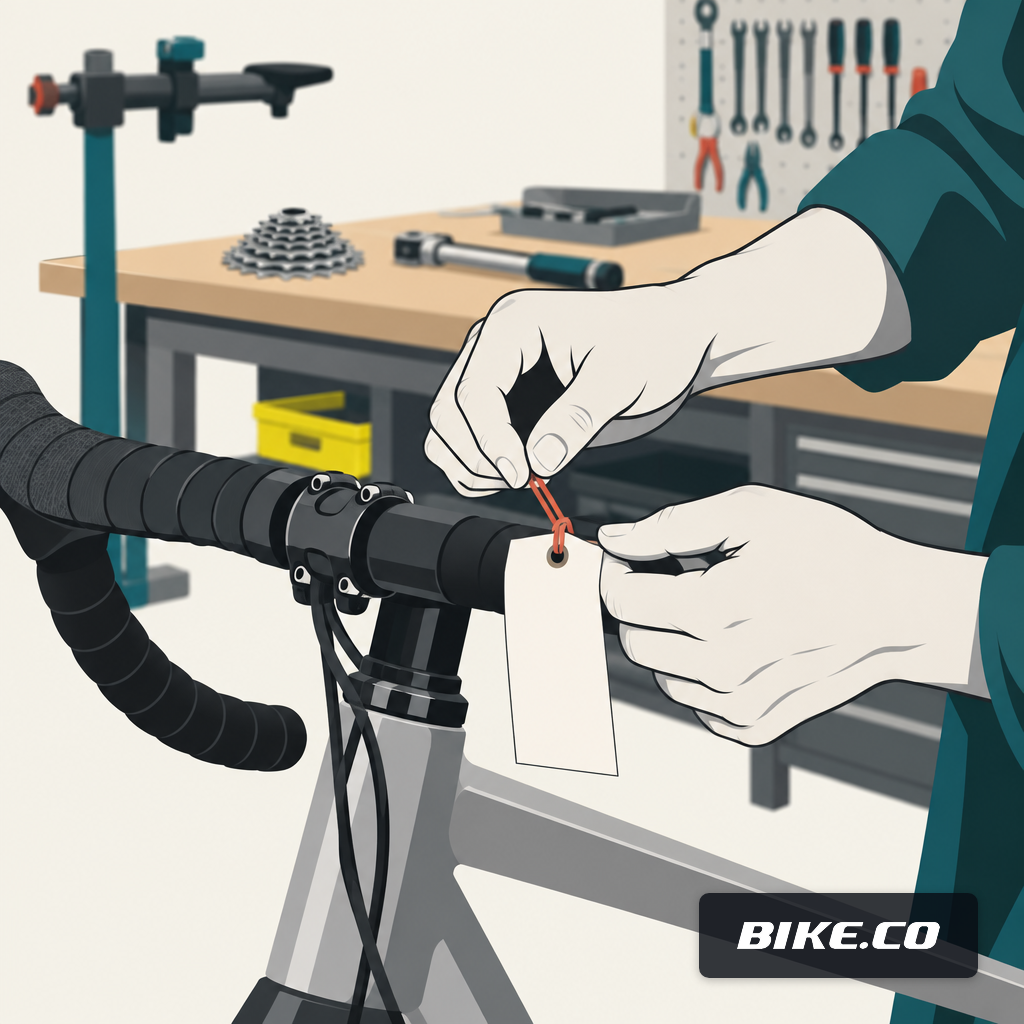
Why Winter Is the Right Window
Because the math on cutting over in April is brutal. A seasonal shop analysis from Fit Werx notes that nearly 80% of service work happens in a seven-month window while expenses run all twelve. A 2026 Bicycle Retailer panel put peak-season turnaround at three weeks out even with mechanics working longer hours. You cannot restructure your workshop software while the queue is already three weeks deep.
Winter also gives you real hours for training that do not come out of billable time. Mechanics learn a new ticket flow faster on a slow Wednesday than under a Saturday drop-off avalanche.
The counter-argument is that winter revenue matters too. It does. Shops in temperate off-season climates commonly add a secondary line — ski, camping, fitness — to keep the lights on through the quiet months, and losing a week of that revenue to a botched cutover hurts. The plan below is built around never losing more than a day.
A Six-Week Cutover That Does Not Break the Bench
The goal is a parallel-run migration, not a flag day. Two systems overlap for a defined window, ownership moves ticket by ticket, and the old system stays reachable in read-only mode until you no longer need it. SumUp's small-business migration guidance flags the two things owners worry about most: losing important data, and downtime. Parallel running addresses both.
Week 1: Set the Scope
Decide out loud what is moving and what is staying. Workshop tickets, bench scheduling, mechanic time tracking, and repair invoicing move to BIKE.co. Retail POS, cash drawer, and parts inventory stay in Lightspeed for now. Write this on the whiteboard so the front counter and the bench are answering the same question the same way.
Week 2: Configure and Import What You Can
Set up your service categories, labor rates, and checklist templates. If you do not have current rate benchmarks, the labor rate guide is a fair starting point. Bring in the customer records you actually need for open and warranty tickets. Do not try to migrate ten years of history in week two. You do not need it to take a ticket on Monday.
Week 3: Run Both, With Rules
Every new ticket goes into BIKE.co. Every existing open ticket finishes out in Lightspeed. That single rule prevents the worst outcome of any workshop software switch: the same bike existing in two systems and being worked on twice.
Week 4: Move the Bench Fully
By now the queue is small enough that the last handful of Lightspeed tickets can be finished. New ones stop going in. Payments still route through the retail POS at the counter; the ticket lives in BIKE.co.
Week 5: Clean Up Reporting
Reconcile your December numbers across the two systems so January opens clean. This is the week to catch anything that fell between the cracks — a ticket closed in one system but invoiced in the other.
Week 6: Read-Only the Old Service Module
Do not delete anything. Turn Lightspeed's service module into a reference archive. If a customer calls in February about work from November, you can still look it up.
The Numbers That Should Come Out of the Switch
A workshop software switch is not a personality change. It is measurable. Track four things across December, January, and February so you know whether the move earned its keep:
- Turnaround time from drop-off to pickup, in hours. The Bicycle Retailer panel above put peak-season turnaround at one to three weeks; your winter baseline is what you are measuring against, not theirs.
- Billable hours per mechanic per day. If time tracking against tickets is honest, this number tells you more than revenue does.
- Missed calls at the counter. Small businesses lose an estimated $126,000 a year on average to missed calls, and 85% of callers who reach voicemail never call back. If a better ticket flow puts the counter back on the phone, that number moves.
- Average ticket value. Not to inflate it, but to see whether the checklist flow is catching the second-item work — the stem creak, the loose spoke, the hanger check — that a hurried write-up misses.
The point of measuring is not to build a case file. It is that in March, when spring hits and someone asks whether the switch was worth it, you have four numbers instead of a feeling.
When to Wait Instead
Not every shop should move this winter. If your parts inventory in Lightspeed is genuinely working and your service pain is really a staffing problem, software is not the fix. If your accounting sync is holding your bookkeeper together and you cannot afford to run two exports for a quarter, wait. If the roadmap items you specifically need — online booking, the customer portal, mobile routing for a van — are the whole reason you are looking, check the roadmap page, ask when they land, and time your switch to that.
The wrong reason to switch is that the current system is annoying. The right reason is that the workshop side of the ticket, which is where 50 to 70% of your gross margin comes from, deserves a tool built for it. Winter is the window to make that change without losing a Saturday to it. If that lines up with your shop, start a 30-day trial, run week one against a slow Tuesday, and decide from there.
Timothy Carter · Chief Revenue Officer
Timothy Carter is a digital marketing industry veteran and the Chief Revenue Officer at erp.io, the suite BIKE.co runs on. With a career spanning over two decades in the dynamic realms of SEO and digital marketing, Tim is a driving force behind revenue strategy. With a flair for the written word, Tim has graced the pages of renowned publications such as Forbes, Entrepreneur, Marketing Land, Search Engine Journal, and ReadWrite, among others. At BIKE.co he writes about the commercial side of a bike shop's service department: how a labor rate turns into a profitable tune-up menu, what a comeback really costs, and why the numbers an owner argues about are usually a record-keeping problem rather than a pricing one. Beyond his professional pursuits, Tim finds solace in the simple pleasures of life, whether it's mastering the art of disc golf, pounding the pavement on his morning run, or basking in the sun-kissed shores of Hawaii with his beloved wife and family.