
October 6, 2026
What a bike shop pays for software, line by line
A plain breakdown of what shop-management software actually costs a bike shop per month, which line items move the number, and where owners overpay.
By Samuel Edwards

A software quote for a bike shop almost never shows up as one number. It arrives as a monthly software fee, then a per-user seat, then a payments rate, then a hardware line, then a migration or onboarding charge, then an integration or two, then training time off the floor. Each one looks small on its own. Added up, they move the real decision.
Most owners shopping systems right now have two or three names on a shortlist. The question is not which demo felt nicest. The question is what the full invoice looks like in month three, after the migration dust settles and the first full month of credit card volume runs through. Here is how to read a quote line by line, which lines actually move the bill, and where to push back before signing.
Start With Software, Not The Headline Price
The number on the pricing page is almost always the single-register, single-location, annual-billing starter plan. That is the floor, not the ceiling. For independent retail, small business POS software typically runs $49 to $129 per month, with specialty retail systems reaching $59 to over $199 monthly. Bike-specific tools cluster at the higher end of that band because they carry workshop features general retail does not.
Concrete reference points from the shortlist most shops are seeing. Lightspeed's bike store POS starts at $89 per month on the Basic annual plan, with Core and Plus tiers above that. A Trek-affiliated shop running Ascend reported paying $315 per month including support, according to a Bicycle Retailer owner survey. Those are starting points for one register, one location.
Two line items get missed on first read:
- Per-register fees. Each extra till is typically billed separately. On Lightspeed Retail, each additional register runs $59 per month and each additional location costs the base plan price again. A two-location shop with three tills is not paying the sticker price.
- Tier upgrades for things you already use. Accounting sync, advanced reporting, loyalty, and ecommerce integrations often live on the middle tier, not the entry one. If your bookkeeper needs the QuickBooks link, you are on the middle plan whether you planned on it or not.
When comparing bike shop management software pricing per user, be clear about what counts as a user. Some systems bill per named mechanic who logs time; others bill per register; others per location. Ask for the quote at your real headcount, not the demo-friendly one.
Payments Is The Line That Actually Moves The Bill
Software fees are a flat number you can plan around. Payment processing is a percentage of everything you ring up, which is why it dominates the total cost of a bike shop POS. Credit card processing fees for small businesses typically range from 1.5% to 3.5% per transaction, with the average effective Visa and Mastercard swipe fee near 2.35%. For a shop doing a million dollars a year on cards, every tenth of a percent is roughly a thousand dollars.
Two patterns to watch for in a quote.
First, bundled processing with a lock-in. Some vendors heavily discount the software when you use their payment processor and penalize you if you do not. Lightspeed Payments quotes 2.6% plus 10 cents per card-present transaction on the bike shop page. Run that against the number your current processor is actually charging you (look at the effective rate on last month's statement, not the quoted rate) before you treat the bundled offer as a win.
Second, how the rate is quoted. Flat-rate pricing is simple and predictable. Interchange-plus pricing exposes the underlying card network cost and usually wins on volume, but needs a statement reader to confirm. For most shops under two million in card volume, flat-rate is honest enough; above that, the math on interchange-plus starts to matter.
One more thing to price into the payments line: online and keyed-in transactions carry a higher rate than card-present. A shop that is 90% in-person and 10% ecommerce has a different effective rate than one that is 60/40.
Hardware, Migration And Training Are One-Time, Not Zero
These line items get amortized away in sales conversations. They are real cash out the door in month one.
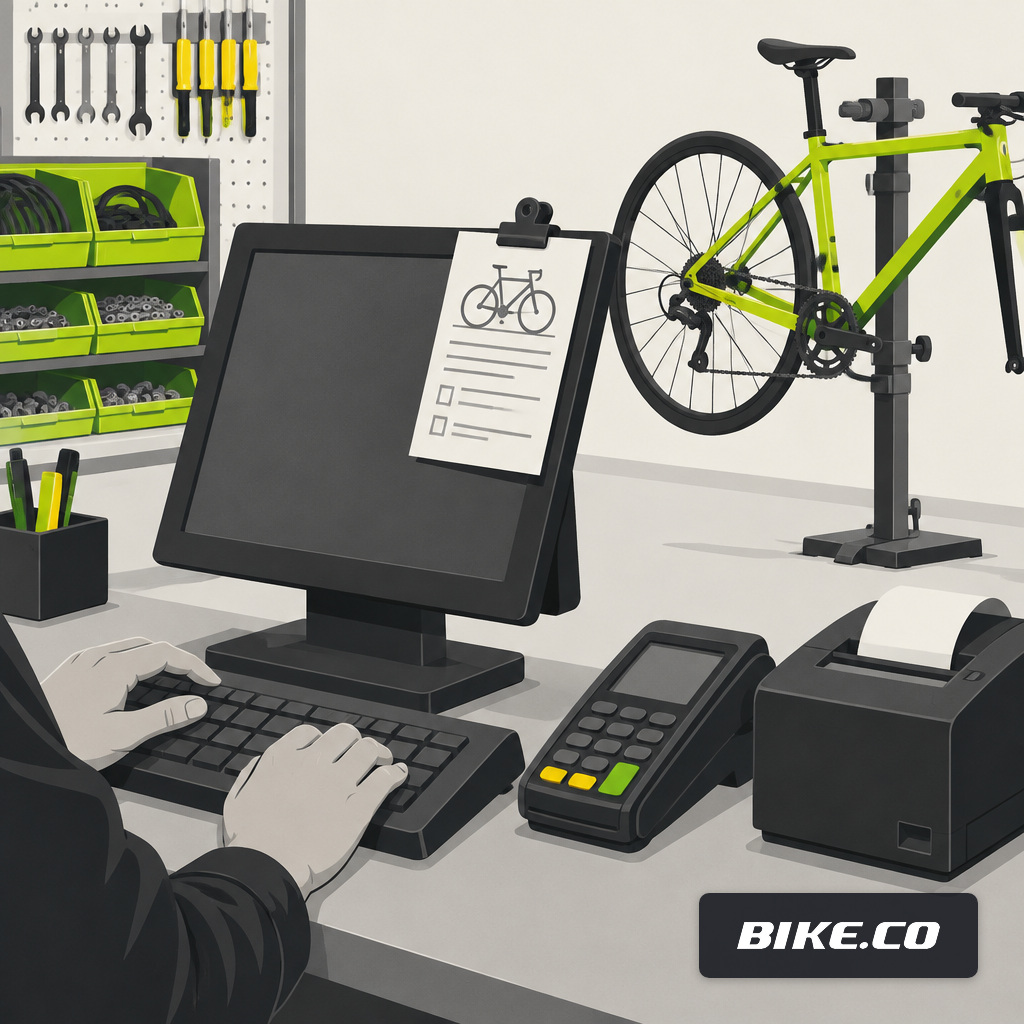
Hardware for a typical bench and sales floor runs predictably. POS hardware for small businesses commonly runs $0 to about $2,000 upfront per station, depending on whether you need a full till with cash drawer, receipt printer, barcode scanner and card reader, or just a tablet and reader. A workshop that wants a dedicated terminal at the bench for intakes doubles that.
Migration is the line most quotes bury. A clean export of your current customer records, bike history, serial numbers, parts catalog and open repair tickets is work, and it is the work that determines whether the new system is useful on day one or two months in. Ask explicitly:
- Who writes the import scripts, you or the vendor
- Which records are included at the base migration fee and which cost extra (serial-numbered bikes and service history are often the extra)
- What happens to historical sales data for tax and warranty lookups
- Whether a cutover weekend costs billable support hours
Training downtime is the quietest cost. A full-time mechanic off the bench for a day of training is lost labor revenue, not just a line in the training invoice. For a five-person shop at normal shop rates, a full training day across the team is a four-figure soft cost even before the vendor bills anything. Build a staged plan: service writer first, head mechanic second, floor staff last.
Integrations And Add-Ons Are How The Monthly Bill Grows
The modern software stack sprawls. The average 10-person small business team now runs 28 active SaaS subscriptions, up 47% from 19 in 2023, and SMBs waste roughly 27% of their annual SaaS budget on unused or duplicated tools. A bike shop that runs a POS, a service scheduler, an ecommerce site, an email tool, an accounting package, a payroll service and a text-messaging add-on is already at seven subscriptions before counting the backup bookkeeping spreadsheet.
Each one has its own seat price and its own renewal date. Common add-ons that show up on bike shop quotes:
- Supplier catalog sync (QBP, J&B, Hawley, Giant, Trek)
- Ecommerce platform fee plus transaction fees
- Customer SMS or email marketing
- Accounting bridge to QuickBooks or Xero
- E-signature or waiver for rentals and demos
- Backup and data export
Before signing, list every tool you currently pay for, and mark which ones the new system replaces. If the answer is one or two, the new system is additive, not consolidating, and the monthly bill goes up, not down. A fair side-by-side comparison of POS, field service and ERP options starts with that list, not with the feature grid.
What A Reasonable Total Looks Like
The common benchmark: small businesses typically allocate 4% to 6% of annual revenue to technology spending, per the CompTIA IT Industry Outlook. A shop at the industry-average $1.2 million in annual revenue is looking at roughly $48,000 to $72,000 a year across every piece of software, hardware refresh, internet, phones and payment processing combined. That is the envelope. If a single POS quote is already eating a third of it before payments, something is off.
A rough allocation that holds up for most independents:
- Shop management software and seats: 15 to 25% of the tech budget
- Payment processing (the big one): 40 to 60%, driven entirely by card volume
- Ecommerce, marketing and comms tools: 10 to 15%
- Hardware refresh amortized over 3 years: 5 to 10%
- Accounting, payroll, backup, misc: the balance
When the shortlist is down to two systems, build the same spreadsheet for each one at your real volume. Include seats at your actual headcount, payments at your actual card mix, hardware you actually need to buy, migration at the quoted number plus a 25% buffer, and training at the real cost of staff off the floor. The winner is almost never the one with the lowest sticker price.
Questions To Push Back On Before Signing
Vendors expect negotiation on multi-year contracts, migration fees and training packages. They expect it less on payments terms, which is where the money is. A short list of things worth asking in writing:
- What is the all-in effective rate on card-present transactions at my current volume, including any monthly minimum, PCI fee, statement fee or chargeback fee
- What happens to the software price if I bring my own payment processor
- Which features in the demo are on which tier, and which require add-ons
- What is the migration deliverable, in writing, and what happens if records do not come across cleanly
- What is the renewal price in year two, and is it capped
- What is the exit path, including data export format and timeline
Shops looking at field service software pricing for a mobile van or multi-tech workshop should ask the same questions, plus how routing, dispatch and tech-level permissions are priced. A per-tech seat on a general field service tool and a per-user seat on a bike-specific platform are not the same product even when the monthly numbers look close. The BIKE.co vs Housecall Pro comparison walks through where those differ on the bench.
Read The Quote Like An Invoice You Already Received
The exercise that saves money is simple. Take the quote, open last month's bank statement, and write every line of the quote as a monthly debit against the account. Software: debit. Seats: debit. Hardware financed over 36 months: debit. Payments at your real card volume: debit. Add-ons you will actually turn on: debit. Training hours at your real labor cost: debit for the first month.
Add them up. Compare the total to what the current system costs on the same basis, not to the quote headline. That is the number worth signing against. The BIKE.co pricing page lays out the equivalent lines in the same shape, and the walkthrough on switching from Lightspeed covers how to time a cutover so training downtime does not land in your busiest week.
Software is a tool, not a solution. The shop that reads the quote carefully before signing ends up paying for the one, not the other.
Samuel Edwards · Chief Marketing Officer
Samuel Edwards is Chief Marketing Officer at erp.io, the suite BIKE.co runs on. He has spent 15+ years in technical SEO, content strategy and demand generation, running paid and organic operations for organisations ranging from venture-backed startups to Fortune 500 companies, and has spoken at the Search Marketing Expo series and on the TEDx stage. At BIKE.co he writes about how a service department finds and keeps its customers: how riders choose where to book a repair, what a shop's own site and listings should say about turnaround and pricing, and why being plain about what a shop does and does not do wins more work than a clever promotion.